
ANKEYSOFT
ANKEYSOFT
Seeing beyond the horizon!

Desktop Applications
HomeBook – Interface
HomeBook graphical interface consists of 7 screens:
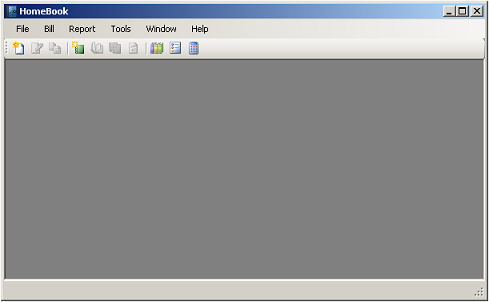
- Main MDI (Multi–Document Interface) screen contains application menu and toolbar, and hosts reports.
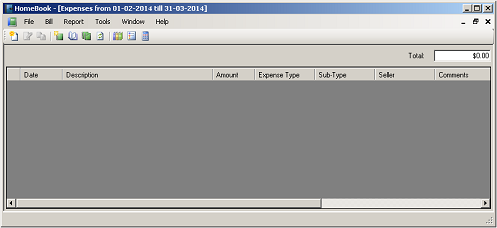
- Report screen for reports output.
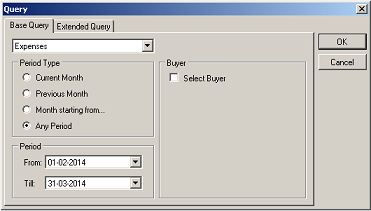
- Query screen for selecting and changing report parameters.
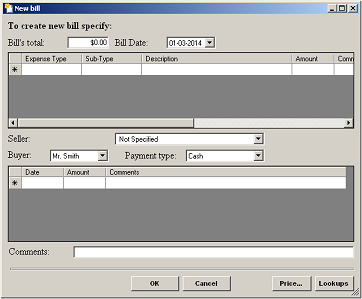
- Bill screen for entering, viewing and editing bills.
- Lookup screen for creating and editing various categories used by HomeBook.
- Price calculator for applying tax.
- And Options.
HomeBook interface allows also archive records into a separate, non–editable files.
Another HomeBook feature called “Export Mode”. You may install separate instance of HomeBook on your laptop, or any other convenient computer and collect your records there but not into a database but in XML file. Later you can import these records into your main database.